

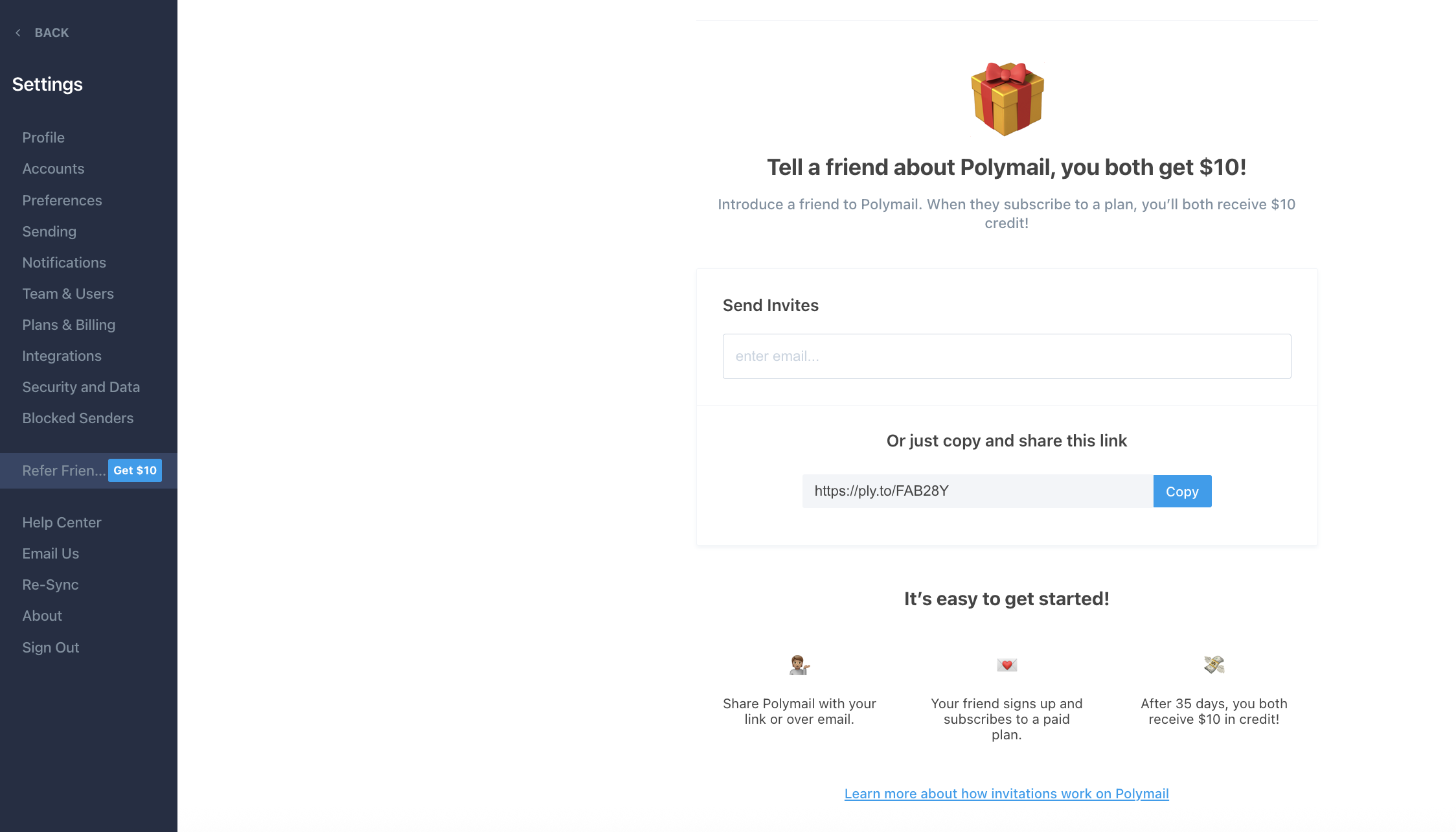
Want to spread the word about Polymail and earn credit while you’re at it? With our referral program, you can invite friends and colleagues to join Polymail, and both of you will get rewarded!
How It Works
Step 1: Invite a friend.
Introduce a friend or colleague to Polymail using your invite or personal referral link.
Step 2: Your friend subscribes.
Your friend signs up for Polymail using your referral and subscribes to a paid plan.
Step 3: You both receive $10 in credit.
After 35 days, you and your friend will each receive $10 in Polymail credit to use toward a paid plan. 🎉 It’s that simple. Share Polymail, and you both get rewarded!
Track Your Referrals & Credit
To view your invitations and track credits earned:
Click your name in the lower left corner of the Polymail Web or Desktop app
Go to Settings > Refer Friends
Or visit https://app.polymail.io/settings/refer-friends
Inviting Team Members?
If you're inviting a teammate to your Polymail workspace (separate from the referral program), team admins will also receive a credit once the team member joins.
Start referring and start saving!