

To make Polymail your default email app on your iPhone or iPad, start by opening the Settings app.
Scroll down through the list of installed apps or use the search bar at the top of the screen to find and select Polymail.
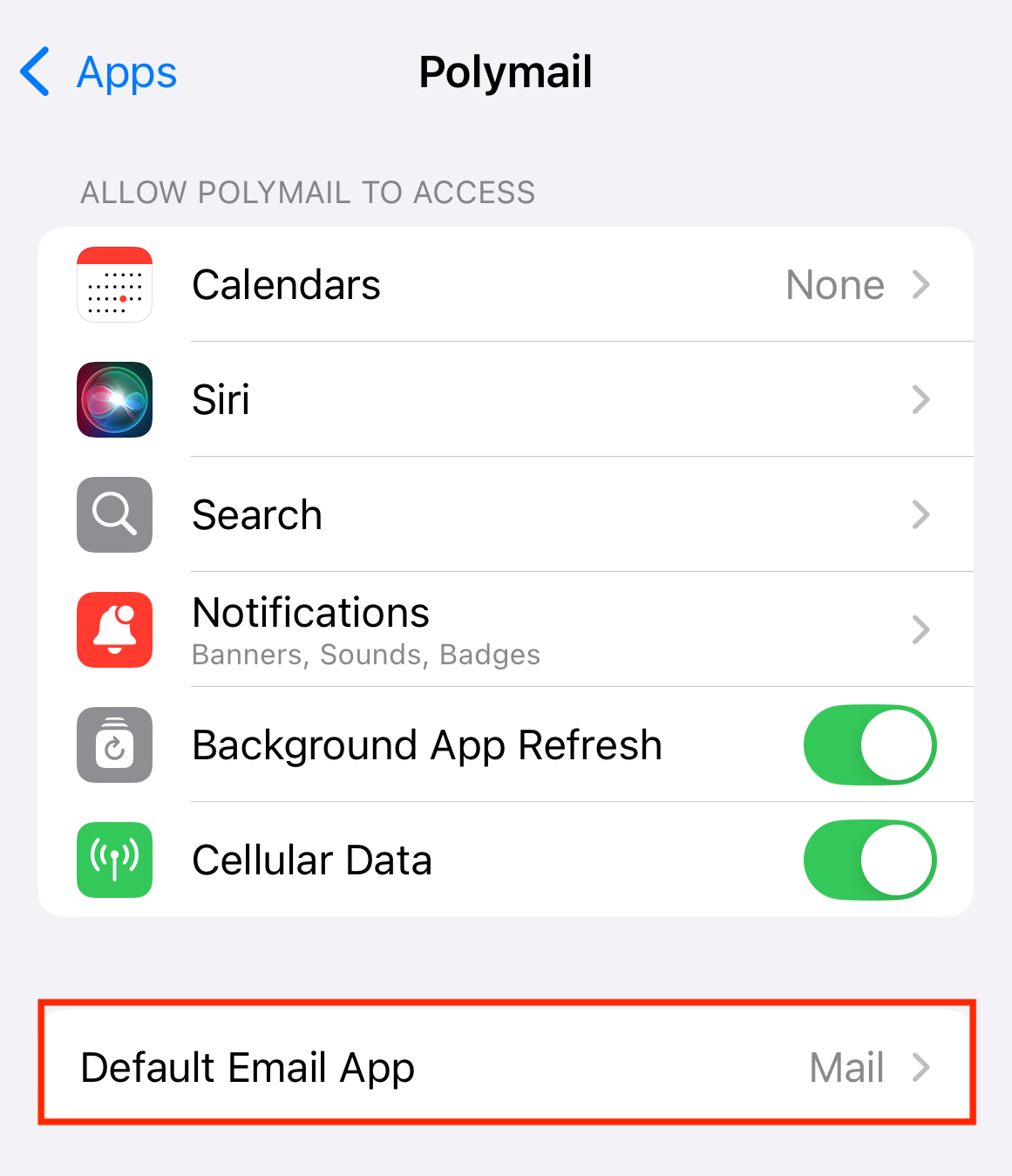
In the Polymail settings screen, tap on Default Mail App.
From the list of available email apps, choose Polymail.
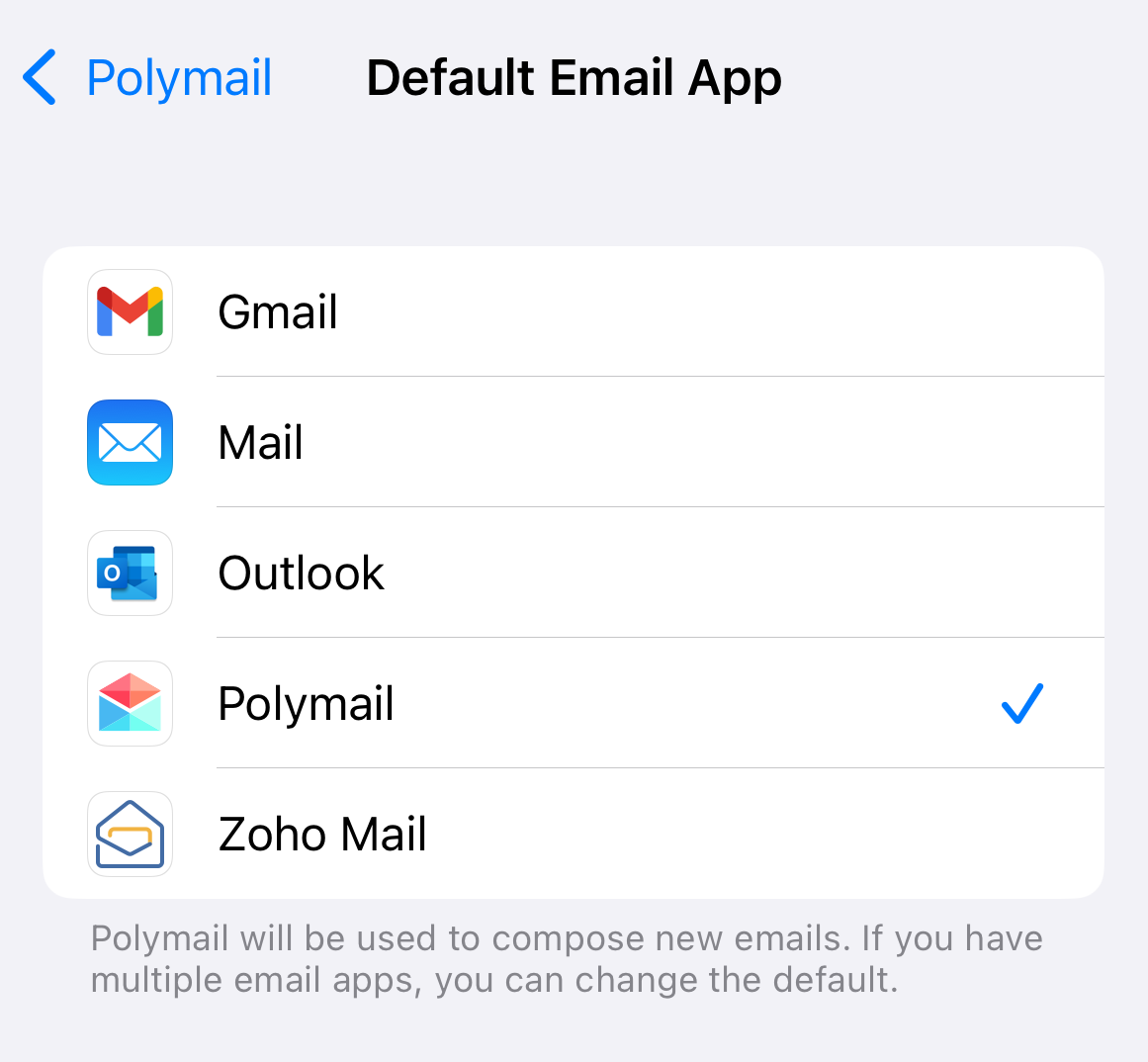
You're All Set!
Polymail is now your default email app. Anytime you tap an email link (like from a website or app), it will automatically open in Polymail.